AI dance trends this week
The AI dance videos people are posting right now, what photo each one takes, and how to post yours with a trending sound.
Updated . New dances are added within two days of a trend starting.
The AI dance videos people are posting right now, what photo each one takes, and how to post yours with a trending sound.
Updated . New dances are added within two days of a trend starting.
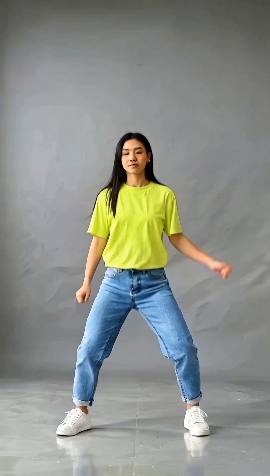
Full body
The everyday dance video: a confident groove with a spin at the end, the kind people post to any upbeat sound. Easy to read on a small screen, so it works with almost any photo of you standing.
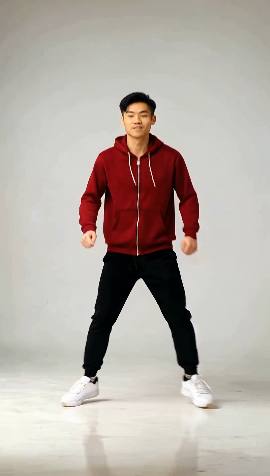
Full body
Fast footwork on the spot: running-man steps and T-steps. It fits fast electronic and house sounds, and looks best from a photo that shows your shoes.
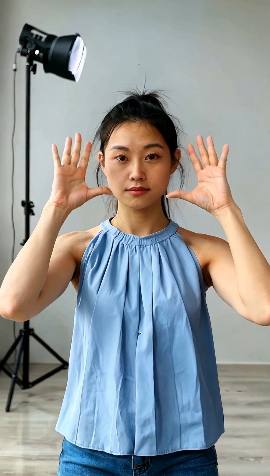
Waist up
The sit-down favourite: only arms and hands, framing the face, pointing and clapping on the beat. A selfie from the waist up is all it takes.
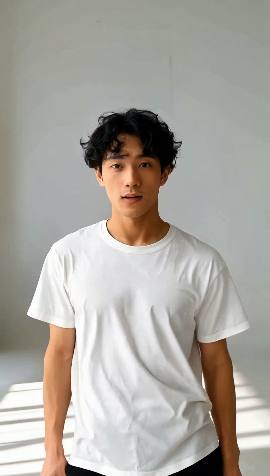
Waist up
A cute, easy upper-body groove that ends in heart hands and a point at the camera: made for sweet or funny sounds and for tagging someone.
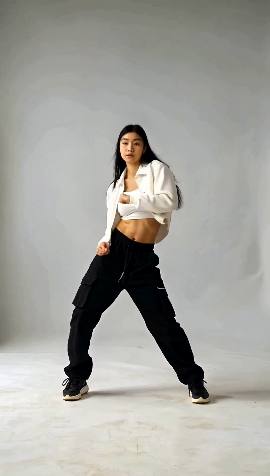
Full body
The crowd-dance trend, where a whole crew hits the same sharp moves together, done as the solo lead: hard arm hits, arms up, a full turn and a freeze.
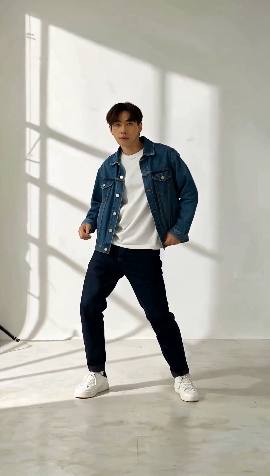
Full body
The late-night slow groove people film at the gas station or in an empty parking lot: swaying, slow body rolls and a cool look back. It fits slow, moody sounds; a photo taken at night makes it.
Only post videos of yourself, or of adults who agreed. Never children or celebrities: see the rules.